.jpg?token=eyJraWQiOiJzdG9yYWdlLXVybC1zaWduaW5nLWtleV81MjdjMzU1Yy04M2I1LTQ2NTEtYTBjYi0yZTgxYzAxZTk5ZGYiLCJhbGciOiJIUzI1NiJ9.eyJ1cmwiOiJiYWR1ay10ZWFjaGVyL3Rhbmd0aWFueXVhbjIgKDEpLmpwZyIsInNjb3BlIjoiZG93bmxvYWQiLCJpYXQiOjE3ODEzNjMyNjksImV4cCI6NDkzNDk2MzI2OX0.5dmjvpybRfXw9kICIIeWuuftJXug2FI1ZtWZwctGytE)
Tang Tianyuan 唐天源
China Pro 1 dan
Popular Go Streamer from China 27k+ Followers
From $37 / lesson
Online Go lessons
Play a teaching game with your teacher, or bring one of your own games for review. Work through the key moments and explore better moves together.
Ask a question before you book. No payment needed to chat.
Every teacher on our platform is a professional or pro-level Go player. Message a teacher about a teaching game or game review, or explore their lessons and prices.
China Pro 1 dan
Popular Go Streamer from China 27k+ Followers
From $37 / lesson
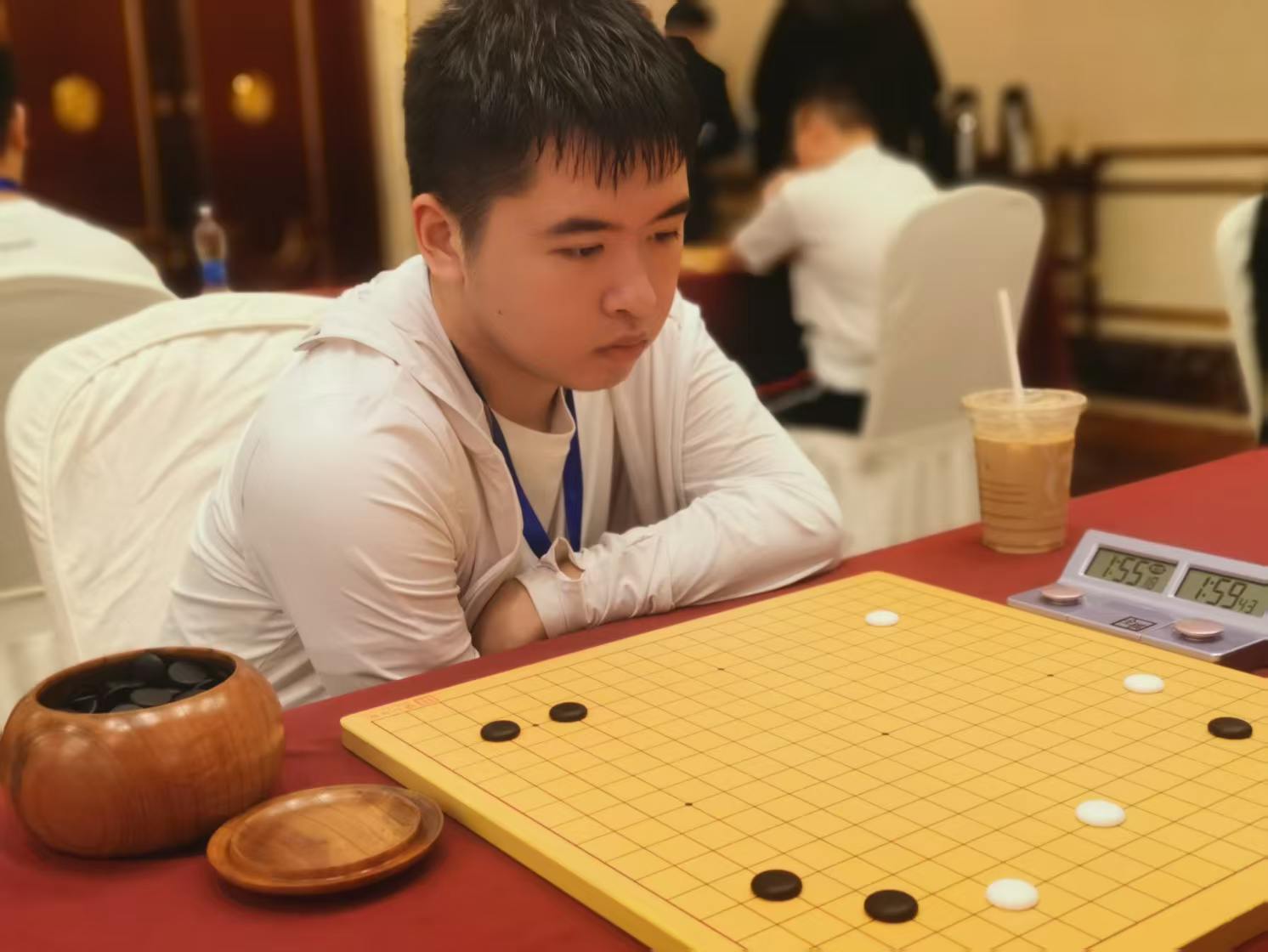
China Pro 4 dan
Rising young pro from China
From $37 / lesson
.jpeg?token=eyJraWQiOiJzdG9yYWdlLXVybC1zaWduaW5nLWtleV81MjdjMzU1Yy04M2I1LTQ2NTEtYTBjYi0yZTgxYzAxZTk5ZGYiLCJhbGciOiJIUzI1NiJ9.eyJ1cmwiOiJiYWR1ay10ZWFjaGVyL3Bhbndlbmp1biAoMSkuanBlZyIsImlhdCI6MTc4MDM2MDU5MywiZXhwIjo0OTMzOTYwNTkzfQ.jw4QFxC444-31jbJ6snPJMxxRQC6jkFGM9whIEcwMc0)
China Amateur 8 dan (ex-professional 3 dan)
5-time National Amateur Champion in China
From $50 / lesson

Korea Amateur 7 dan
Multi-time National Amateur Champion in Korea and China
From $37 / lesson
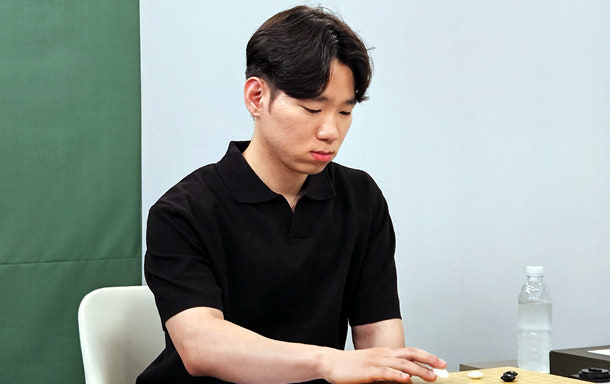
Korean Pro 3 dan
Experience in Korea's Go National Team
From $50 / lesson
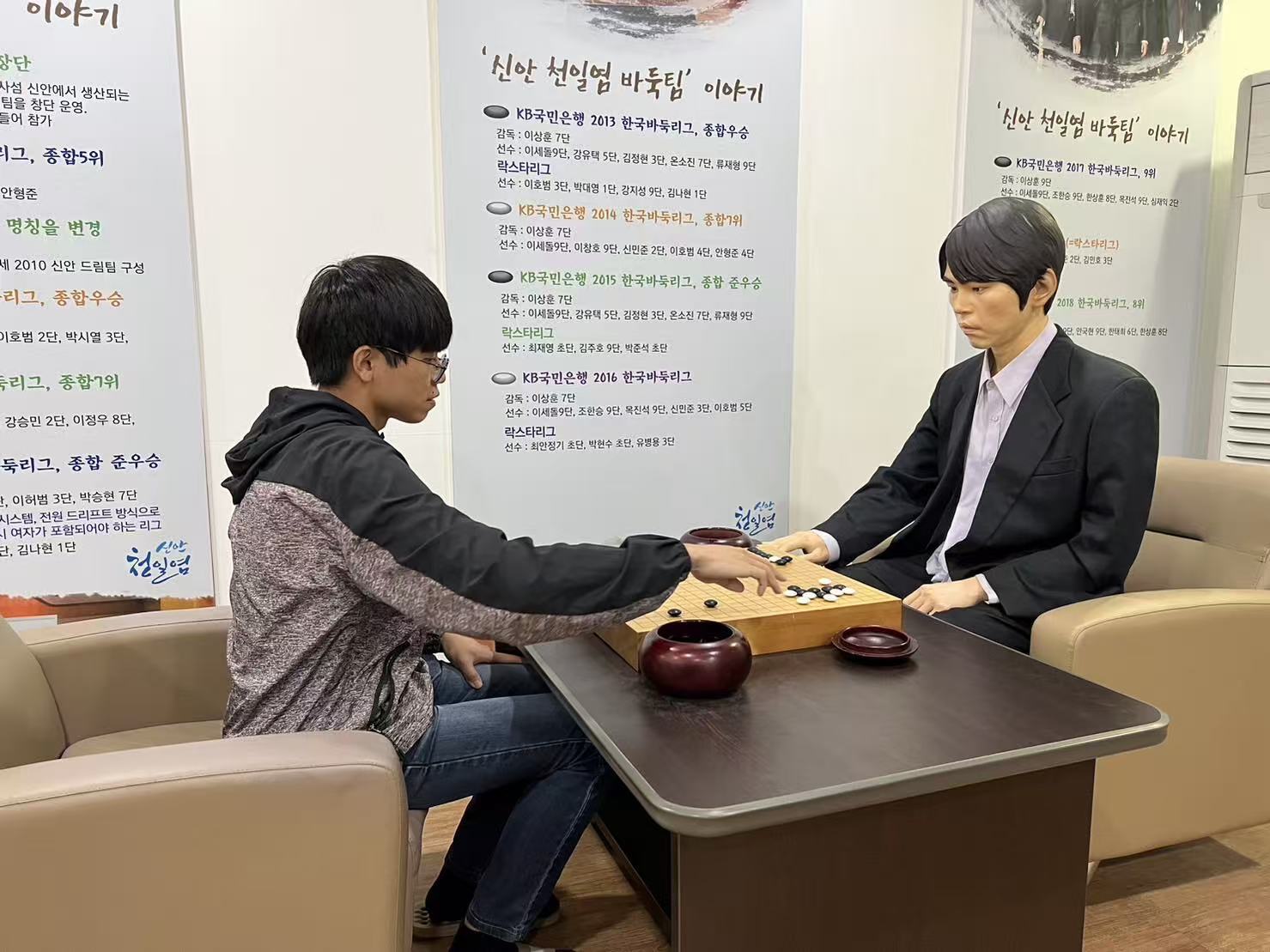
Taiwan Pro 1 dan
Teaching you how to think, not just what to memorize
From $31 / lesson
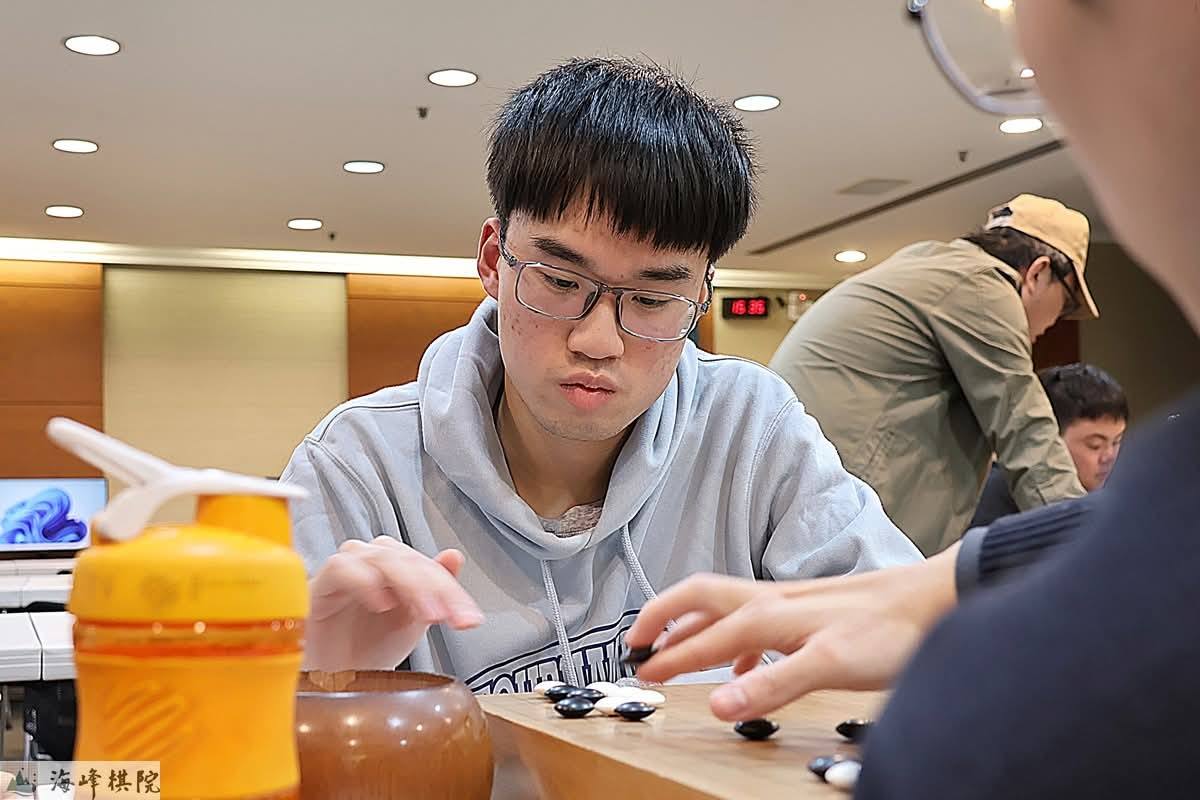
Taiwan Pro 2 dan
Real progress in Go never comes from blindly playing hundreds of games
From $25 / lesson
Sign in and verify your email when you send your first message. Replies are translated automatically.
Share your rank and say you’d like a teaching game. Discuss the handicap and what you want to work on. Write in your own language—messages are translated.
Check the teacher’s lesson options and prices, then request a time for your teaching game. You pay after the teacher accepts.
Play against your teacher on the shared board, then revisit the key moments and try other moves. Follow their explanation with translated captions.
The translations were really smooth. It's wonderful to connect with people around the world over this deep, ancient game — without the language barrier.
A French-speaking student
Yes. Choose “Chat with a teacher” on their card to ask about your level or goals. Chat is free; you’ll sign in and verify your email to send.
Browse teachers and prices freely. You only pay after a teacher accepts your request.
Some teachers offer a lower price for your first lesson — a low-stakes way to try one before committing.
No. Chat messages are translated, and live translated captions help you follow your teacher during lessons. If you prefer listening to reading, turn on text-to-speech (TTS) to hear the translations during your lesson.
Cancel 24 hours ahead and your fee returns as account credit for a future lesson. (Inside 24 hours, the fee is kept.)